Software
Menu

AXM Software / Privacy

What does your PC
send out?

AXM Privacy shows which services, tasks and applications transmit data and disables unnecessary sources, with a way to reverse every change.

Version 1.8.2 · Windows 11 · local

Illustration
50+telemetry sources in the catalogue, including Recall and PC manufacturer software
3 levelsof isolation: Windows Sandbox, AppContainer and blocking
~600 KBfor a typical delta update instead of 124 MB
Reversibleoriginal values are logged; removed items go to quarantine

01 · Telemetry monitor

A catalogue of real
sources.

Windows services, scheduled tasks, Office, manufacturer agents and third-party applications, each with its live status and a switch. Disabling a source stops its service, disables its task and adjusts the registry.

  • Live outgoing connections: see who is sending data right now
  • Disable all safe sources with one button
Telemetry monitor · demo0 / 5
Windows telemetryservice and scheduled tasks
active
Recallscreenshots and history
active
PC manufacturer softwarebackground agents and reports
active
Officediagnostics and feedback
active
Third-party applicationstheir own channels
active

02 · Overview and hidden apps

One score —
and your next step.

The privacy score shows how many sources are active and which are disabled. Recommendations suggest the next step, such as checking hidden applications installed outside Programs and Features. Privacy removes their processes, files, startup entries and access to the camera, microphone and location.

  • Removed items go to quarantine and can be restored
  • Scan everything with one button on the overview
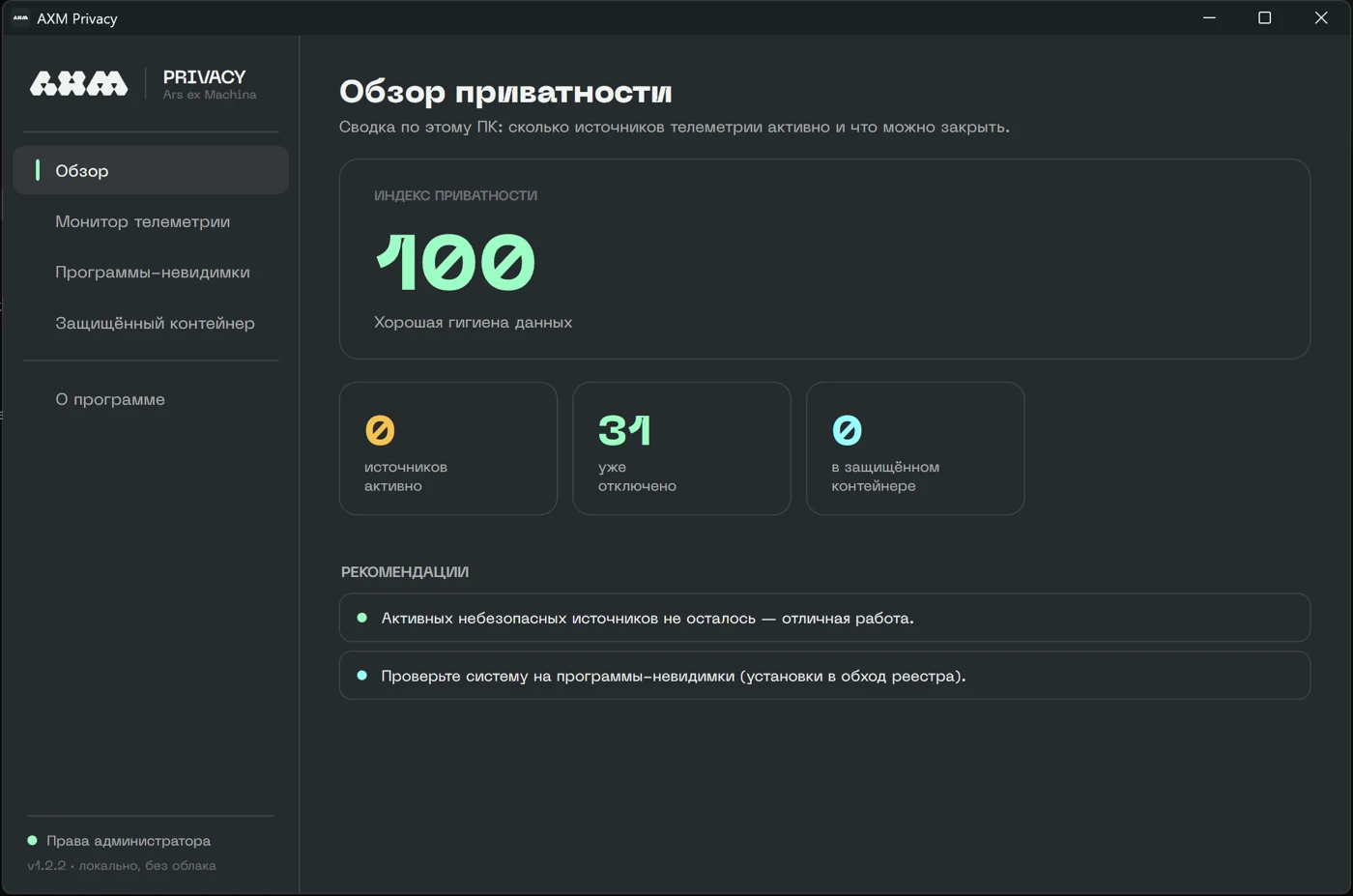
AXM Privacy window: privacy overviewPrivacy scoreRecommendations

03 · Protected container

An untrusted app
gets its own boundary.

Choose one of three isolation levels to suit the task.

Isolation levelschoice
01Windows Sandbox — a disposable virtual machine: nothing is written to the host and its contents disappear when closed.
02AppContainer — kernel-level isolation without access to the camera, microphone, location or other applications’ folders.
03Persistent blocking — the firewall blocks network access and sensor permissions are revoked; the application stays installed.

04 · Updates and rollback

Update when you choose.
A way back, always.

01ButtonUpdates run only when you choose, in About.
02SignatureThe manifest uses an RSA-3072 signature; the installer is verified with SHA-256.
03Changes onlyA delta update replaces a full installer where possible, with a full-download fallback.
04LogOriginal values are saved so every change can be reversed.